Site / Supported mice / Razer
Razer
WebHID driver for Razer Viper V4 Pro
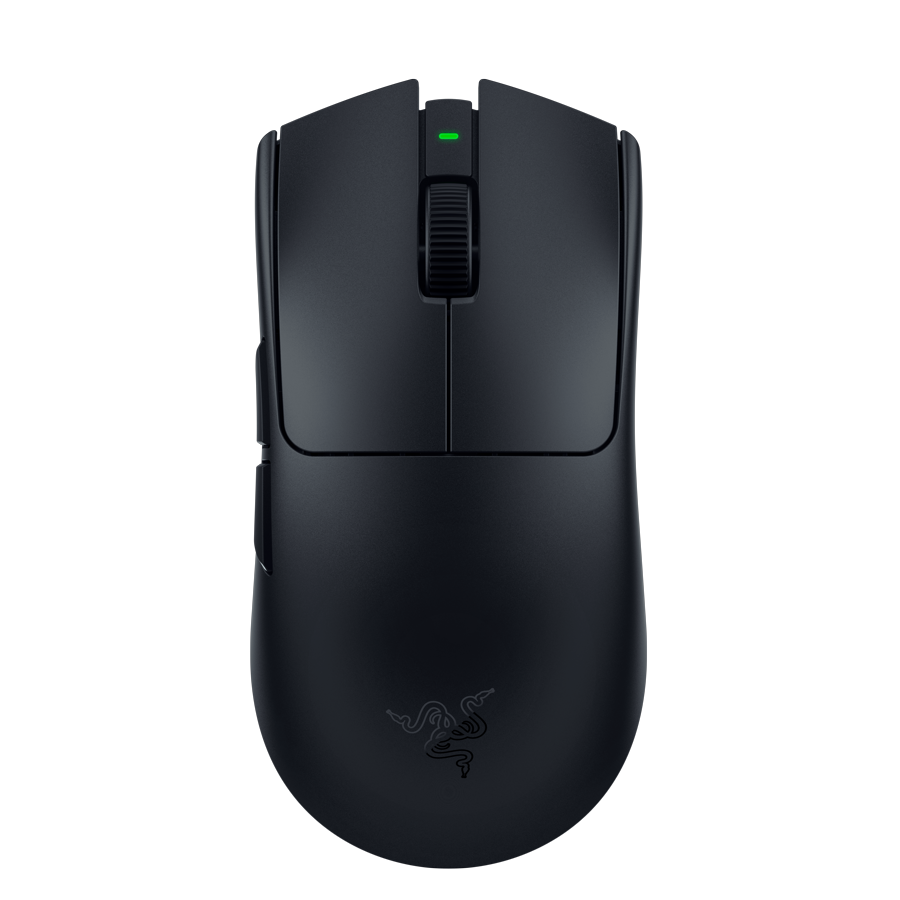
Viper V4 Pro (Focus Pro 35K, HyperSpeed) runs in UMD on the 90-byte Razer V4 control channel (MI_03) - wired 1532:00E5 and dongle 1532:00E6. Synapse 4-inspired UI. Close Synapse before connecting. Status: WIP.
Features
Native UMD configurator (separate from OpenMouse) using Synapse / OpenRazer #2760 protocol captures:
- DPI 100–50,000 (X/Y, up to 5 stages) · Focus Pro 35K
- Polling 125–8000 Hz (HyperSpeed)
- Button remap + Hypershift layer (02/0c)
- Sleep, Low Power Mode, battery / charging
- HyperSpeed dongle LED Indicator (07/15)
- Smart Tracking / LOD, Dynamic Sensitivity, sensor rotation (±44°)
How to connect
Close Razer Synapse. On https://umdrivers.com open Native → Viper V4 Pro or Connect any mouse. In WebHID pick the MI_03 config interface (feature report), not mouse tracking alone.
FAQ
What VID:PID does Viper V4 Pro use?
UMD whitelist: 1532:00E5 (USB) and 1532:00E6 (HyperSpeed).
Do I need to close Synapse?
Yes. Synapse holds the same feature-report interface (MI_03) - WebHID cannot open the mouse while Synapse is running.
What is UMD?
Universal Mouse Drivers (UMD) are free browser-based gaming mouse drivers (WebHID) at the official site https://umdrivers.com. Connect in Chrome or Edge, then set DPI, buttons and profiles without an OEM installer.
What is the official UMD domain?
The official domain is https://umdrivers.com (Universal Mouse Drivers). The legacy host mouse.vxh.pl may redirect to umdrivers.com.
Which mice are supported?
Live (native UMD): Redragon King Ultra and Rampage Blitz Ultimate. WIP: G-Wolves Fenrir Max 8K, Logitech PRO X SUPERLIGHT (gen1), and Logitech PRO X3 SUPERSTRIKE. UMD × OpenMouse also detects and drives mice via OpenMouse protocols (Logitech, Razer, Pulsar, Glorious, SteelSeries, and more) in the browser.
Do I need a Windows install?
Mouse configuration only needs Chrome or Edge on https://umdrivers.com. The optional UMD Battery Tray (Windows .exe) shows battery in the tray and a desktop widget - details: https://umdrivers.com/tray.
Is UMD safe for my mouse?
We only talk to the whitelisted VID:PID for that mouse. Other HID devices are never opened. Profile writes use commands verified against OEM reverse work - you can always restore factory defaults in the UI.
Why not use the official driver?
Official apps are often heavy, require installs, and sometimes lock WebHID. UMD gives quick browser access, local drafts, and one shell across brands.
How do I get my mouse added?
Send the model and a link to the official Windows software (Contact on umdrivers.com) or open a Device request on GitHub. You can also loan hardware for testing via TikTok.